
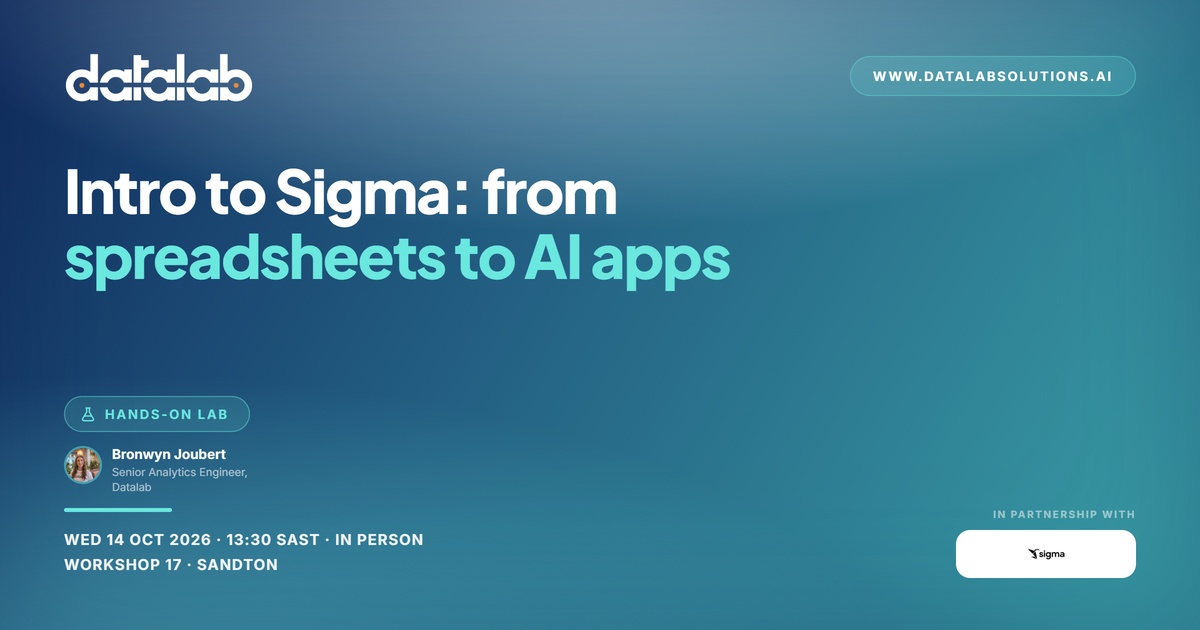
Most analytics stops at the dashboard. You see the number, then you switch to a spreadsheet, an email, or a meeting to actually do something about it.
This hands-on lab shows you how to close that gap. You'll build a working budgeting app from scratch.
Analyse your data
Work with live data from your warehouse in a spreadsheet interface. Pivot, filter, and drill into billions of rows without writing SQL.
Act on your data
Turn that analysis into an app. Enter numbers, submit forecasts, and write results straight back to the warehouse, with every change governed and audited.
Automate the process
Add AI so the app handles the repetitive parts and flags what needs your attention.
In the hands-on session
- Spreadsheets on steroids: using Sigma's native spreadsheet on live Snowflake data
- From dashboards to applications: turn static reporting dashboards into apps, with user input and website-like navigation and layouts
- Automate with agents: bring in Snowflake-powered Sigma agents to proactively deliver insights and input data on your behalf
Please bring your own laptop and charger. Everything runs in the browser, so there's nothing to install, and we'll send login details beforehand.
Seats are limited. RSVP now.
Agenda
Getting there
Workshop 17
West Street, Sandton, Johannesburg
Open in Google Maps ↗